About the orange and green indicators in your iPhone status bar
With iOS 14 or later, an orange dot, an orange square or a green dot indicates when the microphone or camera is being used by an app.
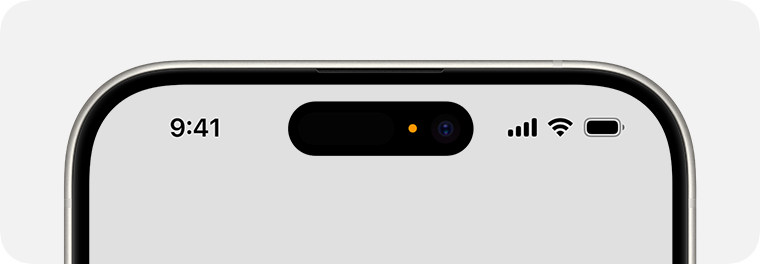
An orange indicator  means that the microphone is being used by an app on your iPhone. This indicator appears as an orange square if the Differentiate Without Colour setting is turned on in Settings > Accessibility > Display & Text Size.

A green indicator  means either the camera only or the camera and microphone are being used by an app on your iPhone.
Find out about status icons and symbols on your iPhone.
Published Date:
