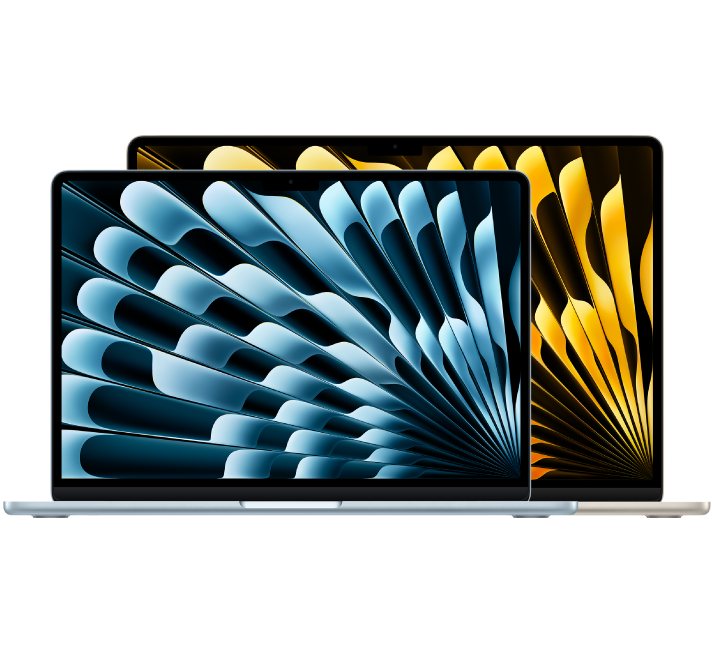
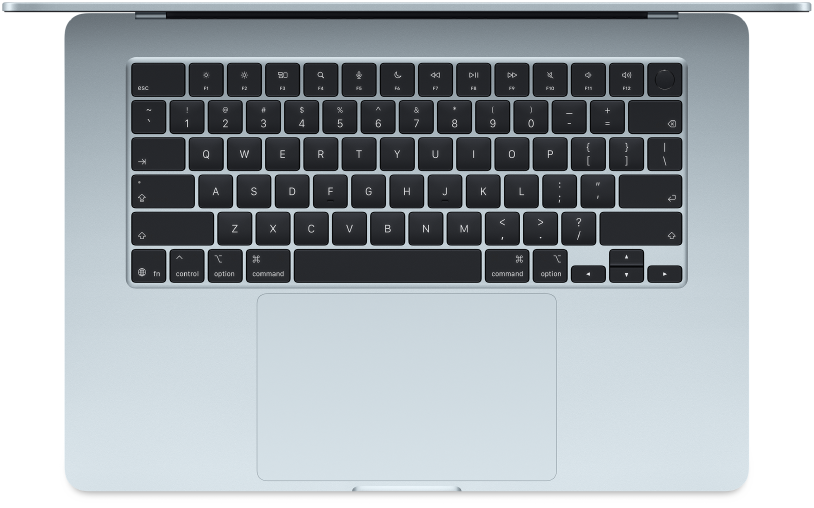
Look around your new Mac
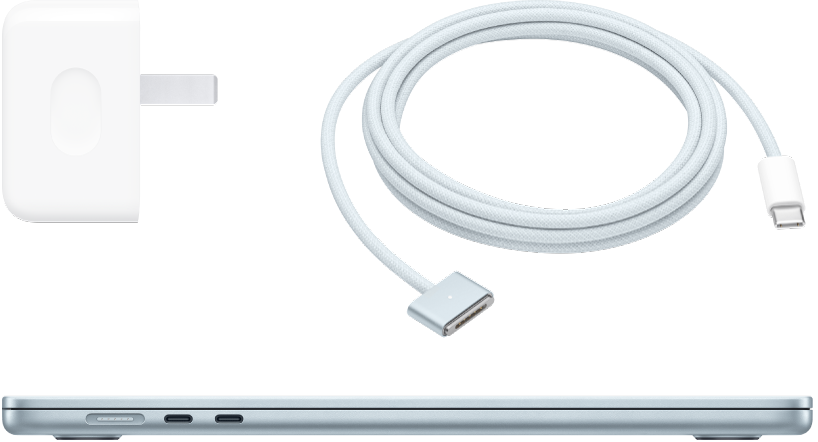
Get a quick intro to MacBook Air ports, connectors, accessories, and other features.
Want to get started?
Unbox your MacBook Air, then start it up by lifting the lid and pressing any key. Follow the Setup Assistant prompts, and you’re up and running.
If you’re new to Mac
Discover what your new MacBook Air with macOS Tahoe can do. Especially if you’re switching from a Windows PC, these tips and tricks can help you find your way around.
Do more with apps
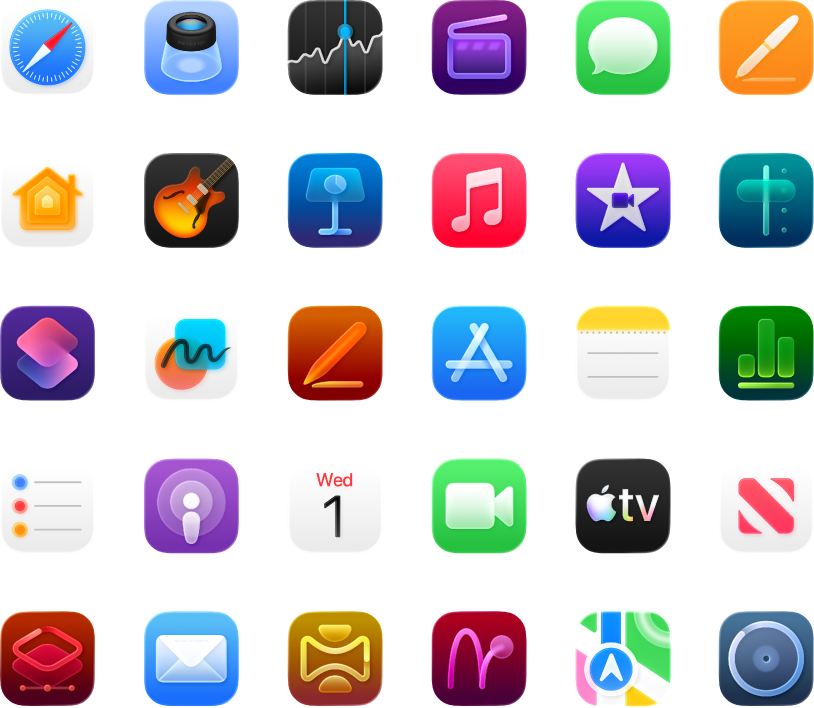
Your MacBook Air comes with many apps already installed and even more available in the App Store. Learn about some key apps that help you stay connected, provide hours of entertainment, empower you to create, and more.
Discover what’s new
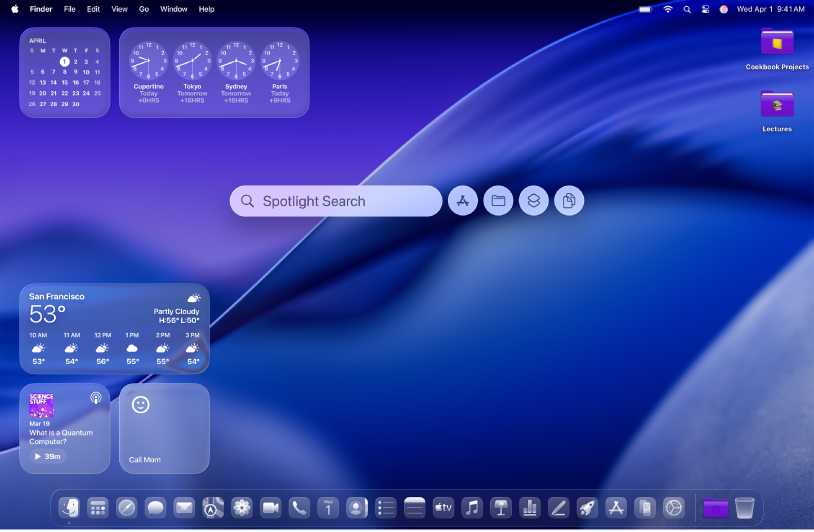
Check out the Mac User Guide to find out what's new in macOS Tahoe, including the latest features and apps.
This MacBook Air Getting Started Guide is for the current MacBook Air. To explore the guide, click Table of Contents at the top of the page, or enter a word or phrase in the search field.
If you need more help, visit Mac Laptop Support.