About the orange and green indicators in your iPhone status bar
With iOS 14 or later, an orange dot, an orange square, or a green dot indicates when the microphone or camera is being used by an app.
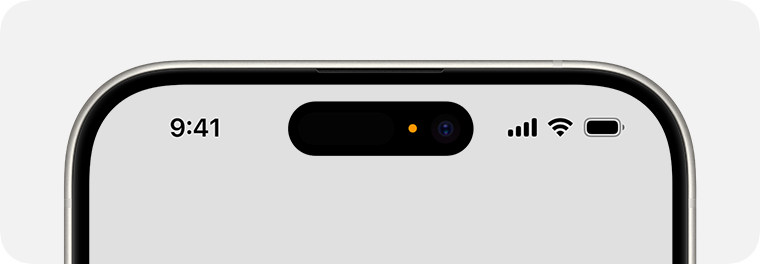
An orange indicator means the microphone is being used by an app on your iPhone. This indicator appears as an orange square if the Differentiate Without Color setting is turned on in Settings > Accessibility > Display & Text Size.

A green indicator means either the camera only or the camera and microphone are being used by an app on your iPhone.
Learn about status icons and symbols on your iPhone.
Published Date:
