If you can't make a transition longer in iMovie
If an alert says the clips don't have enough media to change the length of a transition, trim the clips next to the transition.
In iMovie for macOS, you might want to make a transition longer between clips, so the transition between clips is slower. When you try to make the transition longer, you might see this alert:
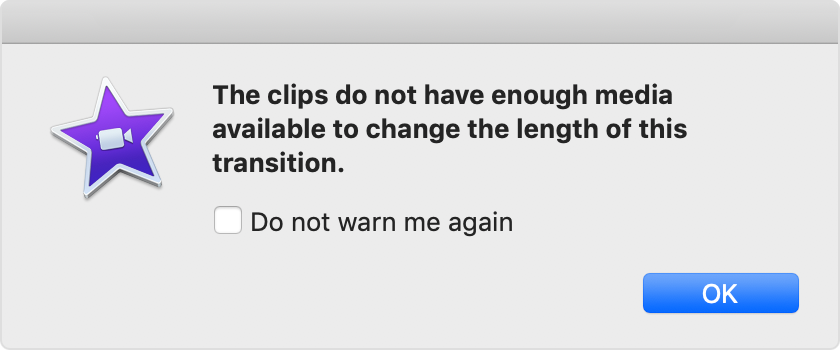
This alert means iMovie needs more footage from one or both clips to create the overlap.

To make a transition longer, you can manually trim the clips next to the transition.*
* If you select "Do not warn me again" in the alert, iMovie will automatically trim the clips next to a transition based on the duration you entered.
Trim clips manually
To make the transition longer, trim the clips next to the transition until you can enter the duration you want.
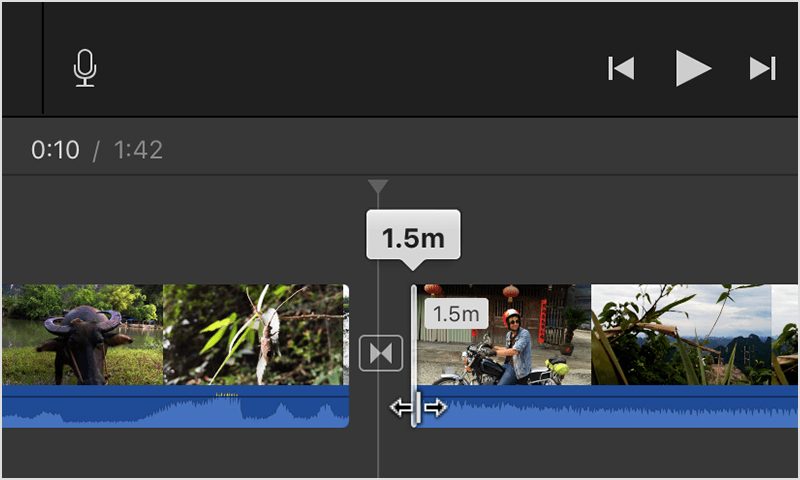
In the timeline, hover your pointer over a clip on either side of the transition until your pointer becomes the clip trim tool
 . The arrows indicate which directions you can trim the clip.
Drag the clip towards the center to shorten the clip.
Double-click the transition, enter the duration you want, then click Apply.
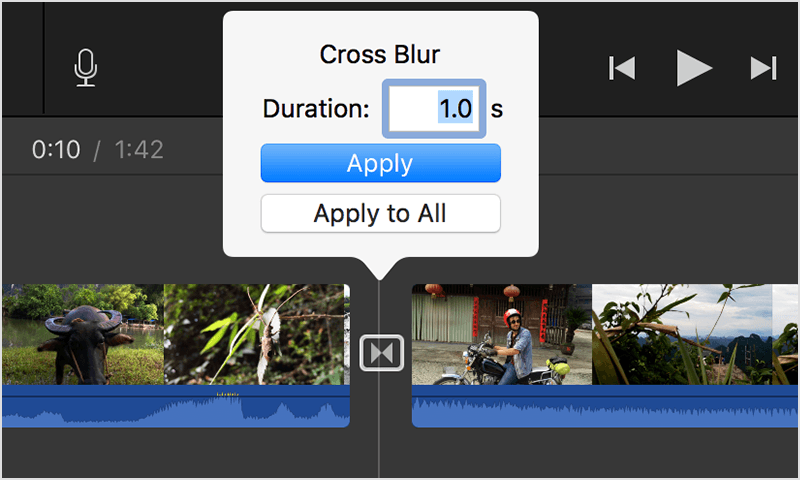
If the alert reappears, trim more footage. Keep trimming until you can enter the duration you want.
Use transitions in iMovie on iPhone, iPad, or iPod touch
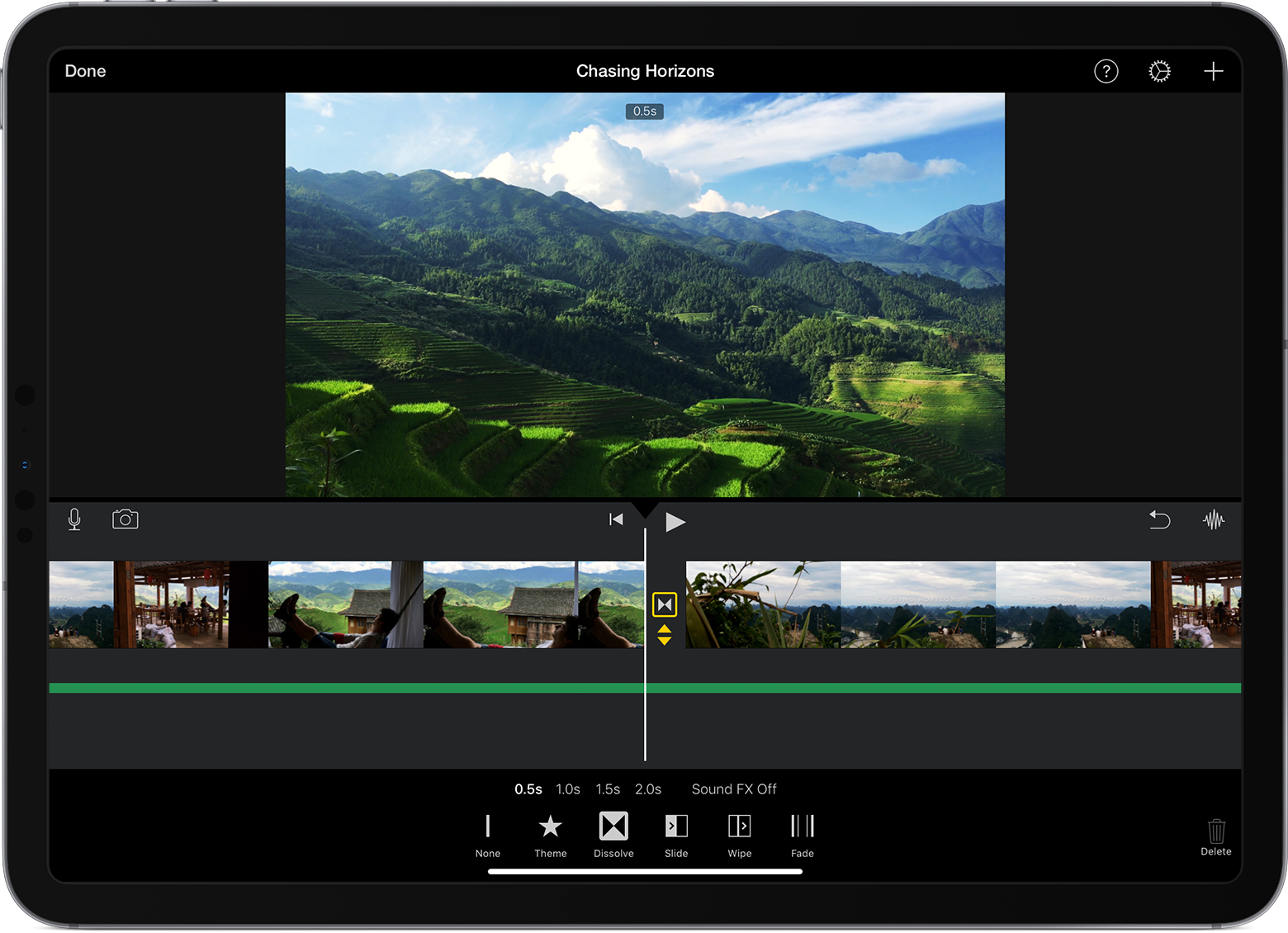
In iMovie for iOS, transitions are available in fixed durations—half a second, one second, one and a half seconds, or two seconds. To add a transition, tap the icon between clips where you want to add a transition, then tap a transition type under the timeline. To change the length of the transition, tap one of the duration options under the timeline. iMovie automatically trims the clips for the duration you chose.
Learn more
Learn more about adding transitions to your movie.
Learn more about how to trim clips.