If you can't open or save changes to a shared file
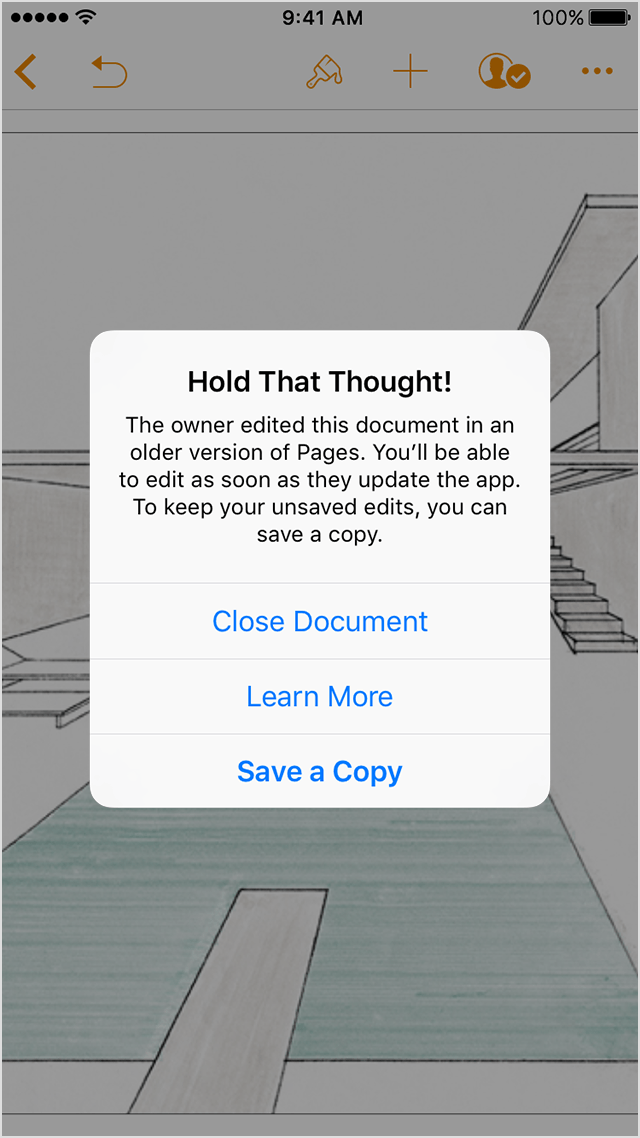
When you try to collaborate on Pages, Numbers, or Keynote files with other users, you might get an alert that the owner is using an older version.
 To prevent these alerts in the future, the owner of the file should update to the most recent version of Pages, Numbers, or Keynote.
If you use Pages 6 or later, Numbers 4 or later, or Keynote 7 or later for Mac
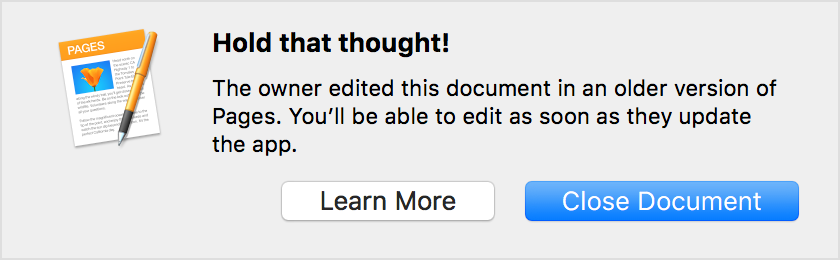
If you're collaborating on a document, spreadsheet, or presentation, you might see an alert like this if the owner uses Pages 5.6, Numbers 3.6, or Keynote 6.6:
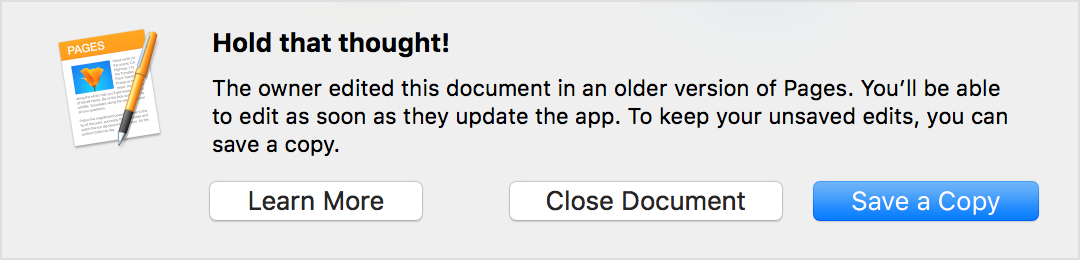
If you have unsaved changes, and the owner edits or saves the document using Pages 5.6, Numbers 3.6, or Keynote 6.6, you'll see an alert like this. You can use it to save your edits as a separate copy.
If you use Pages 3 or later, Numbers 3 or later, or Keynote 3 or later for iOS
If you're collaborating on a document, spreadsheet, or presentation you might see an alert like this if the owner uses Pages 2.6, Numbers 2.6, or Keynote 2.6:
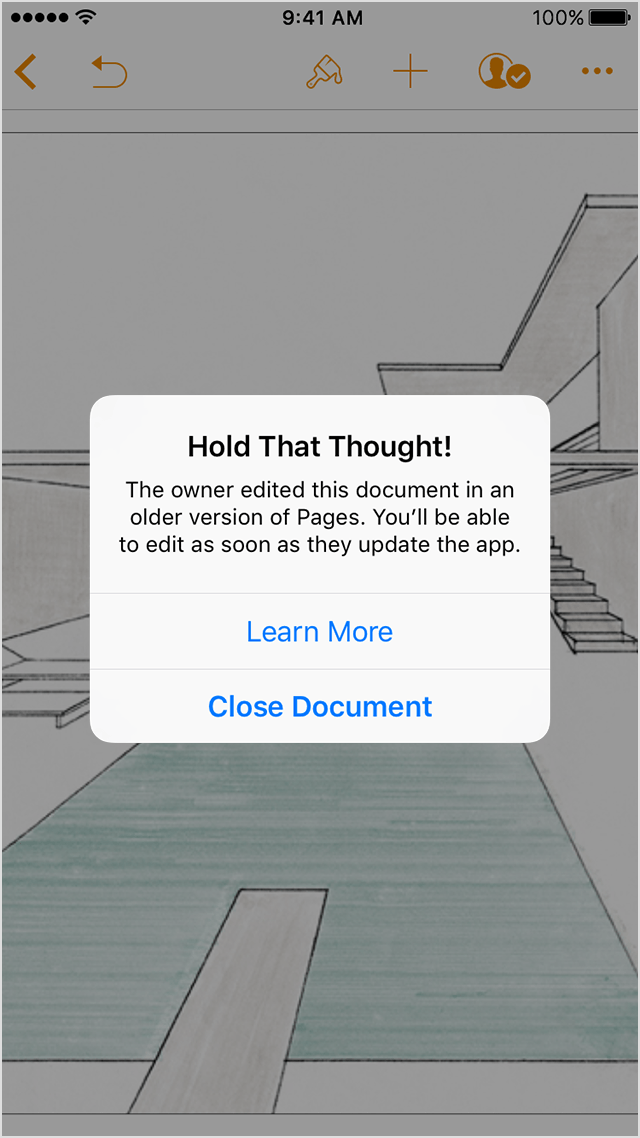
If you have unsaved changes, and the owner edits or saves the document using Pages 2.6, Numbers 2.6, or Keynote 2.6, you'll see an alert like this. You can it to save your edits as a separate copy.