Pages Support
All the topics, resources, and contact options you need for Pages.
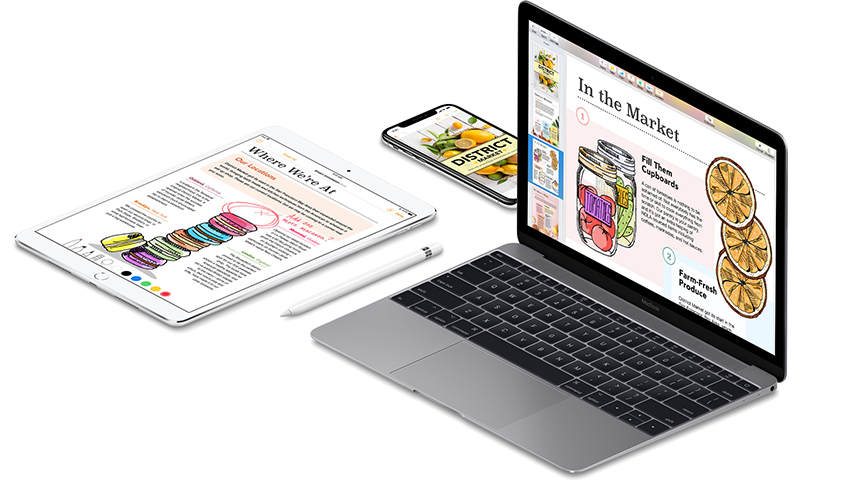
Learn what’s new in Pages for Mac and iOS
Record audio, use smart annotation, add page backgrounds, use new chart options — and more.
Get help with Pages
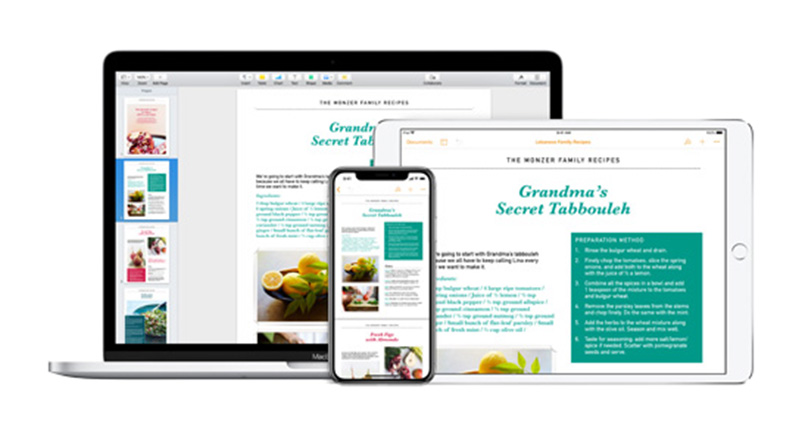
Create and edit Pages documents on your Mac, on iCloud.com, and on your iPhone or iPad. If you want to know how to do something with Pages, these user guides can help.


More information

Record audio in Pages, Numbers, or Keynote
Record audio directly to a document, spreadsheet, or presentation, edit the recording, then play it back.
Record audio to Pages, Numbers, or Keynote
Add drawings and annotations to a document in Pages for iOS
Add annotations or drawings to your document using Apple Pencil or your finger.
Add drawings and annotations
Get started with shapes in Pages
Choose from over 500 professionally drawn shapes or create a new shape of your own.
Add or edit a shape in Pages
Create a book in Pages
Pages lets you export your documents in EPUB format for reading with iBooks on your iOS device or Mac.
Create a book in Pages
Have a question? Ask everyone.
The members of our Apple Support Community can help answer your question. Or, if someone’s already asked, you can search for the best answer.

Want to talk with someone?
Get help with Pages. Answer a few questions and we'll recommend a solution for you.