How to keep your Magic Mouse tracking smoothly
Learn what to do if your Magic Mouse is jittery, lags, or is slow to respond.
Clean the sensor
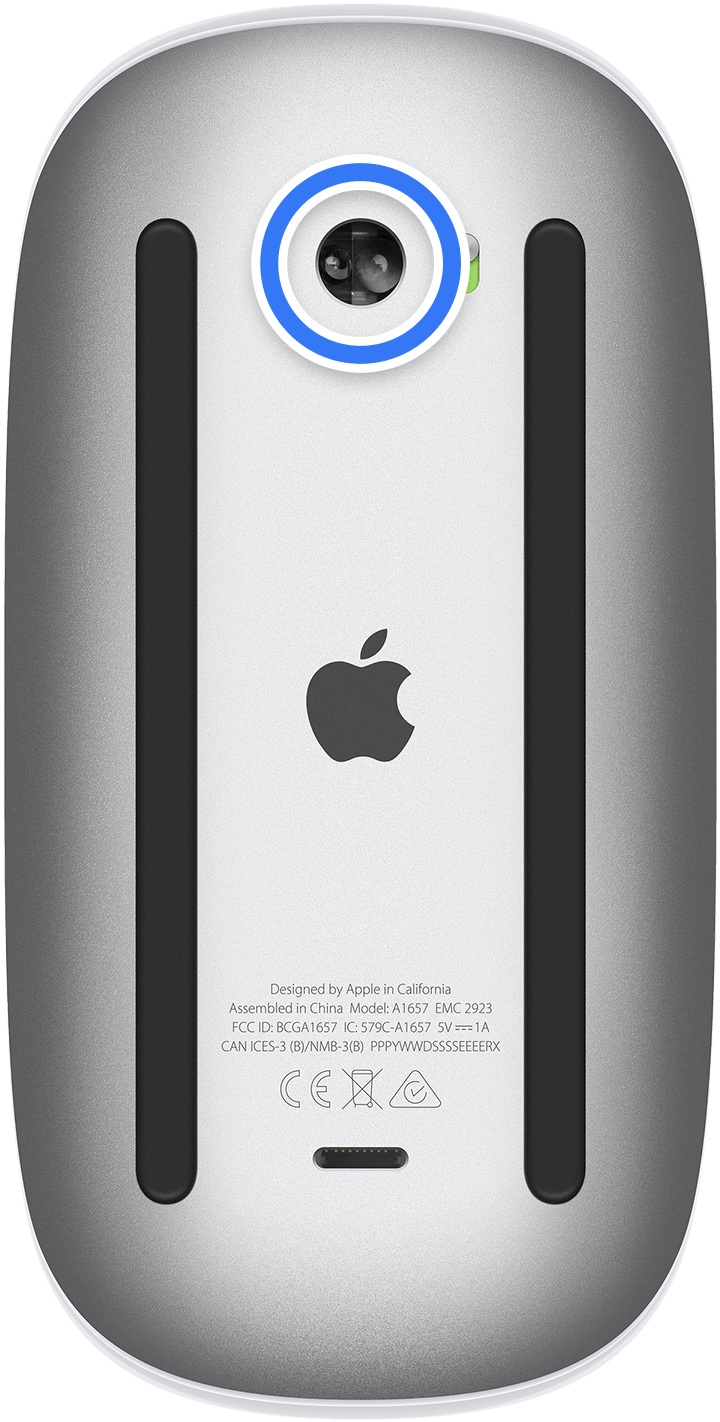
Find the sensor on the bottom of the Magic Mouse, then use compressed air to spray the sensor or use a cloth to wipe the sensor. If you use compressed air, do not invert the air can while you're spraying.
Check track mouse settings
In System Settings, you can change mouse tracking, double-click, and scrolling speed.
Check for interference
Learn how to resolve Bluetooth issues caused by wireless interference.
Get service for your Magic Mouse
If your mouse is still slow to respond, you might need service. Get service.
Published Date: