Restore an iPhone, iPad, or iPod touch that needs a newer version of iOS or iPadOS
If you're restoring your iPhone, iPad, or iPod touch backup from iCloud or a computer that requires your device to have a later version of iOS or iPadOS, learn what to do.
If you're restoring an iCloud backup
If you're restoring an iCloud backup that requires a newer version of iOS or iPadOS, you might be asked to update your software. If you choose to download and install the update, your device will automatically update your software and then restore your backup.
If you're restoring from a computer
If you're restoring your iPhone, iPad, or iPod touch backup from a computer that requires your device to have a newer version of iOS or iPadOS, you might see an error that your backup can't be restored because the software on your device is too old. Follow these steps to update your device and restore the backup.
Set up, update, and erase your device
From the Apps & Data screen on your device, tap Don't Transfer Apps & Data instead of Restore from iCloud Backup. If you already tapped Restore from iCloud Backup, tap Back to return to the Set Up screen.
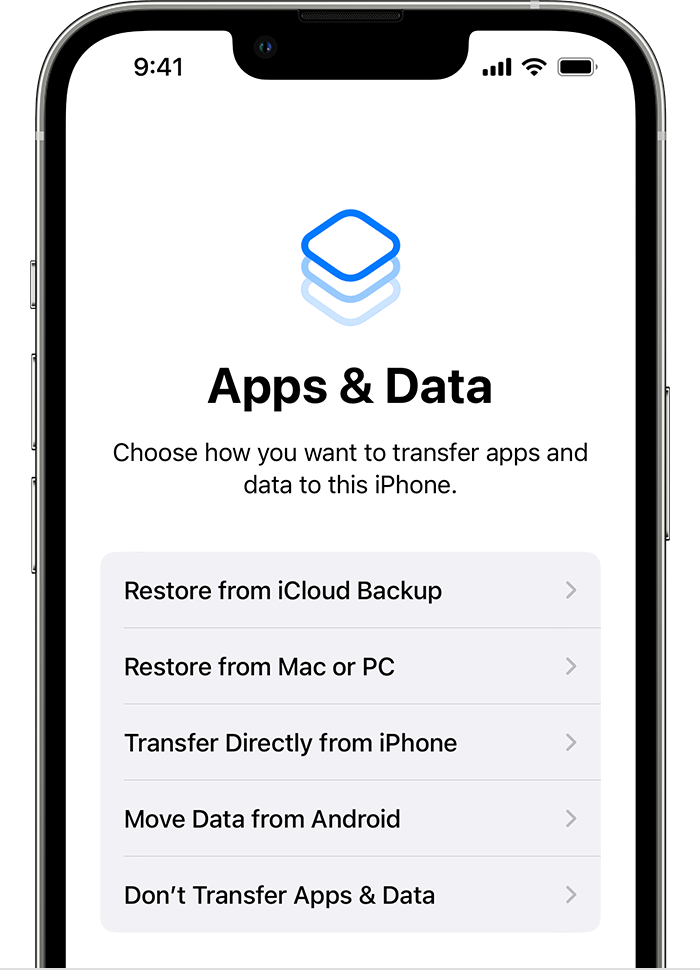
Follow the remaining steps. For now, you can skip the steps for Apple ID, Touch ID or Face ID, and passcode.
Once the setup is complete, update your device to the latest version of iOS or iPadOS.
Let the update finish, and wait for your device to restart.
Tap Settings > General > Transfer or Reset [device] > Erase All Content and Settings to erase your device. After your device is erased, it restarts, and you'll see the Hello screen in the Setup Assistant.
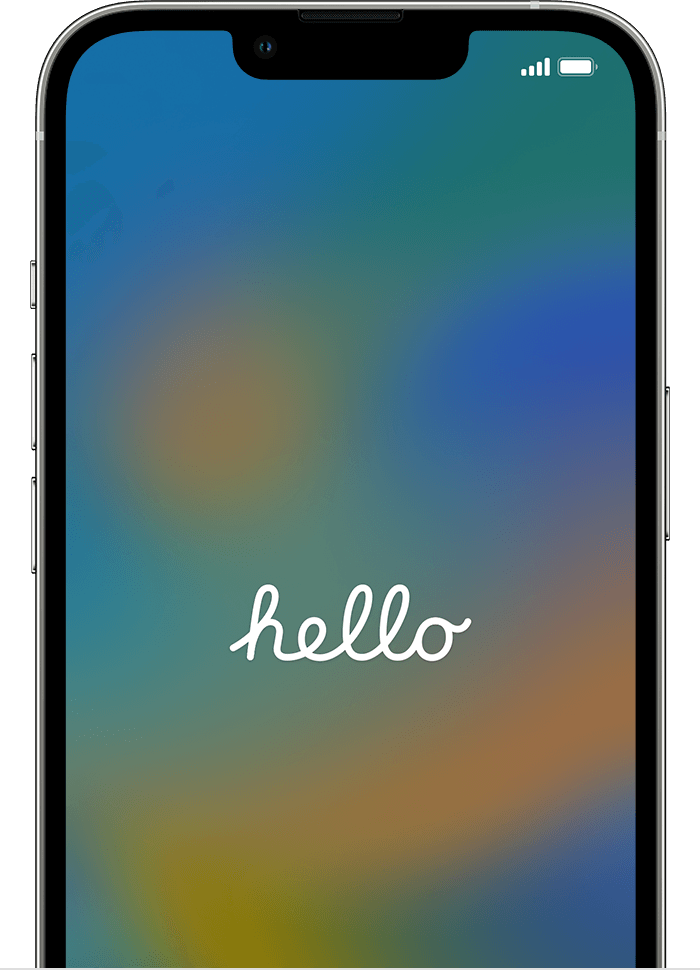
You are now able to set up your device again, and select a backup to restore from.
Learn more
Get help restoring from an iCloud backup.

