
Get apps and Safari extensions in the App Store on Mac
To find the perfect app or Safari extension, search for it or browse the App Store. After you find what you want, you can purchase it using your Apple ID, or you can redeem a download code or gift card.

Find and buy apps
In the App Store
on your Mac, do any of the following: Search for an app: Enter one or more words in the search field at the top-left corner of the App Store window, then press the Return key.
Browse the App Store: Click Discover, Create, Work, Play, Develop, or Categories in the sidebar on the left.
Apps shown with the Designed for iPhone or Designed for iPad label are also compatible with Mac computers with Apple silicon. See Use iPhone and iPad apps on Mac with Apple silicon.
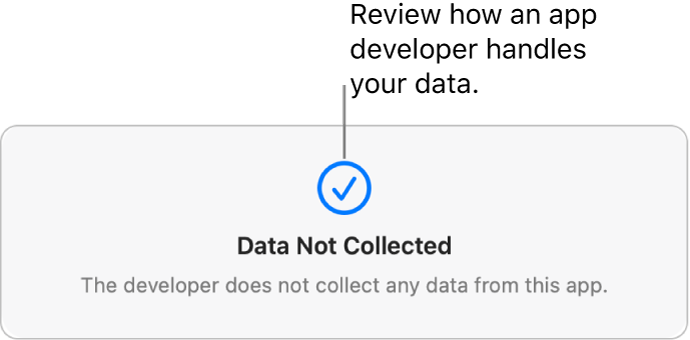
Click an app’s name or icon to get a description, view customer ratings and reviews, and see the app’s privacy practices.
To download the app, click the button that shows the price of the app or “Get.” Then click the button again to install or buy the app (or use Touch ID).
To pause a download during installation, click the progress indicator
 . Click the Download button
  to resume.
You can also cancel a download before it has finished:
From the Finder: In the Applications folder, Control-click the app icon, then choose Move to Trash.
From Launchpad: Press and hold the app icon, then click
 .
.

Change your settings for downloads and purchases
On your Mac, choose Apple Menu

If you don’t see your name, click “Sign in with your Apple ID” to enter your Apple ID or to create one.
Click Media & Purchases.
Choose your options.
Redeem iTunes gift cards, Apple Music cards, or a download code
In the App Store
on your Mac, click your name in the bottom-left corner (or click Sign In if you’re not already), then click Redeem Gift Card in the top-right corner. Enter the download code or the code from your gift card.If you have a gift card with a box around the code, you can use the built-in camera on your Mac to redeem the card. After you click Redeem, click Use Camera, then hold the gift card 4 to 7 inches (10 to 18 centimeters) from the camera. Make sure the code area is near the center of the preview area, then hold the card steady until it’s redeemed.
See the Apple Support article What type of gift card do I have?
Purchase in-app content and subscriptions
Some apps sell extra content, including app upgrades, game content, and subscriptions. To make an in-app purchase, enter your Apple ID (or use Touch ID). For more information about subscriptions, see Manage subscriptions in the App Store.
Download apps purchased by other family members
If you’re part of a Family Sharing group, you can download eligible apps purchased by other family members.
In the App Store
on your Mac, click your name in the bottom-left corner, or click Sign In if you’re not already.Click the “Purchased by” menu, then choose a family member.
Click the Download button
next to an item.
To change your settings for downloads and purchases, choose Apple Menu 