Change subtitles or languages for videos in the Apple TV app
Learn how to choose audio languages, subtitles, closed captions, and other accessibility features on your iPhone, iPad, computer, and Apple TV.
On Apple TV, smart TV, or streaming device
Turn on subtitles or audio languages using the remote for your Apple TV, smart TV, or streaming device.
Subtitles on Apple TV, smart TV, or streaming device
On a Siri Remote or Apple TV Remote, press the Play/Pause button while watching a video to bring up the playback controls. Or on a remote for a smart TV, streaming device, or game console, press the button that brings up the video timeline.
Use your Siri Remote or Apple TV Remote to swipe up and select the Subtitles button
 . Or use your smart TV, streaming device, or game console remote to navigate to the Subtitles button.
Choose the subtitles that you want.
To change the default subtitles language in Settings, go to Settings > Video and Audio > Audio > Subtitle Language, then choose the language that you want. If you don't want automatic subtitles and you're using an Apple TV, go to Settings > Video and Audio, then turn off Automatic Subtitles. If you're using a smart TV or streaming device, go to Settings > General, then turn off Automatic Subtitles.
Learn how to turn on CC or SDH by default
On Apple TV (3rd generation), hold down Select on your remote for three seconds while a video is playing to see the Subtitles tab.
Audio languages on Apple TV, smart TV, or streaming device
On a Siri Remote or Apple TV Remote, press the Play/Pause button while watching a video to bring up the playback controls. Or on a remote for a smart TV, streaming device, or game console, press the button that brings up the video timeline.
Use your Siri Remote or Apple TV Remote to swipe up and select the Audio button
 . Or use your smart TV, streaming device, or game console remote to navigate to the Audio button.
Choose the audio language that you want.
To change the default audio language in Settings, go to Settings > Video and Audio > Audio > Audio Language, then choose the language that you want.
On iPhone or iPad
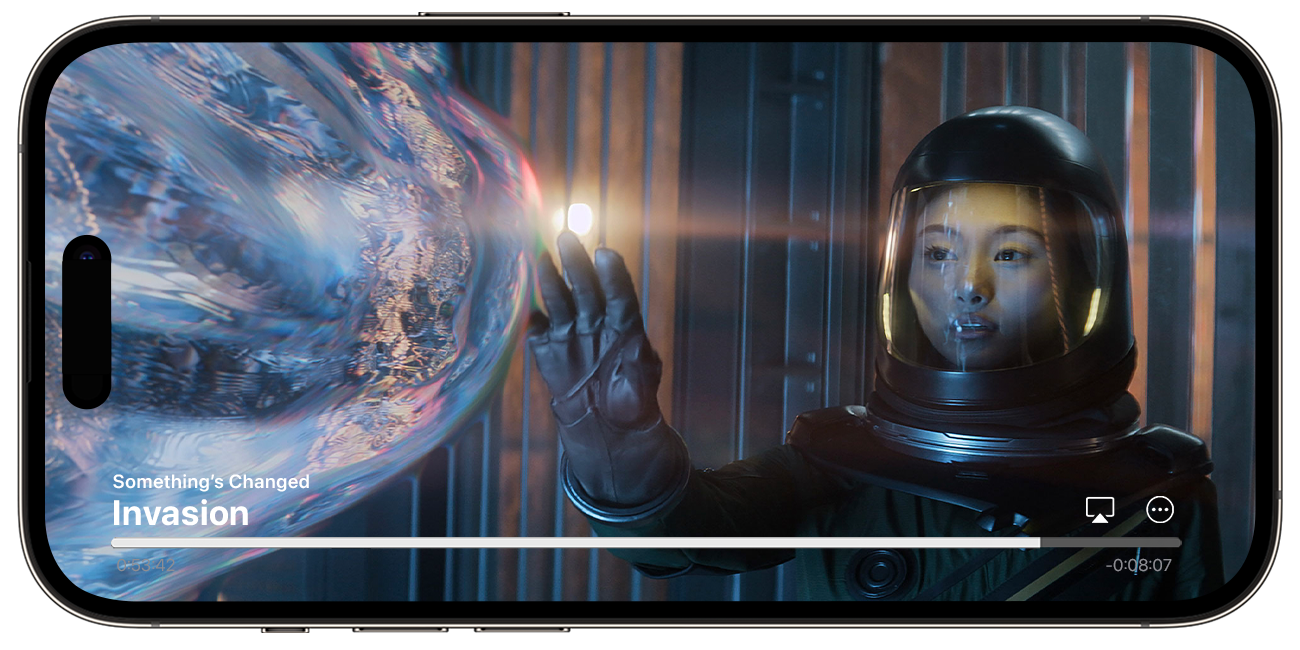
While watching a video, tap the screen to open the playback controls.
Tap the More Controls button
 .
.
Choose Subtitles or Languages.
Pick the subtitles or audio language that you want.
Learn how to turn on CC or SDH by default
To choose the audio languages that are downloaded with your videos, open the Settings app, scroll down and tap TV, then tap Languages. Tap Add Language and choose the languages that you want to add.
On Mac, PC, or the Web
Turn on subtitles or audio languages on your Mac, PC, or tv.apple.com.
Subtitles on Mac, PC, or the web
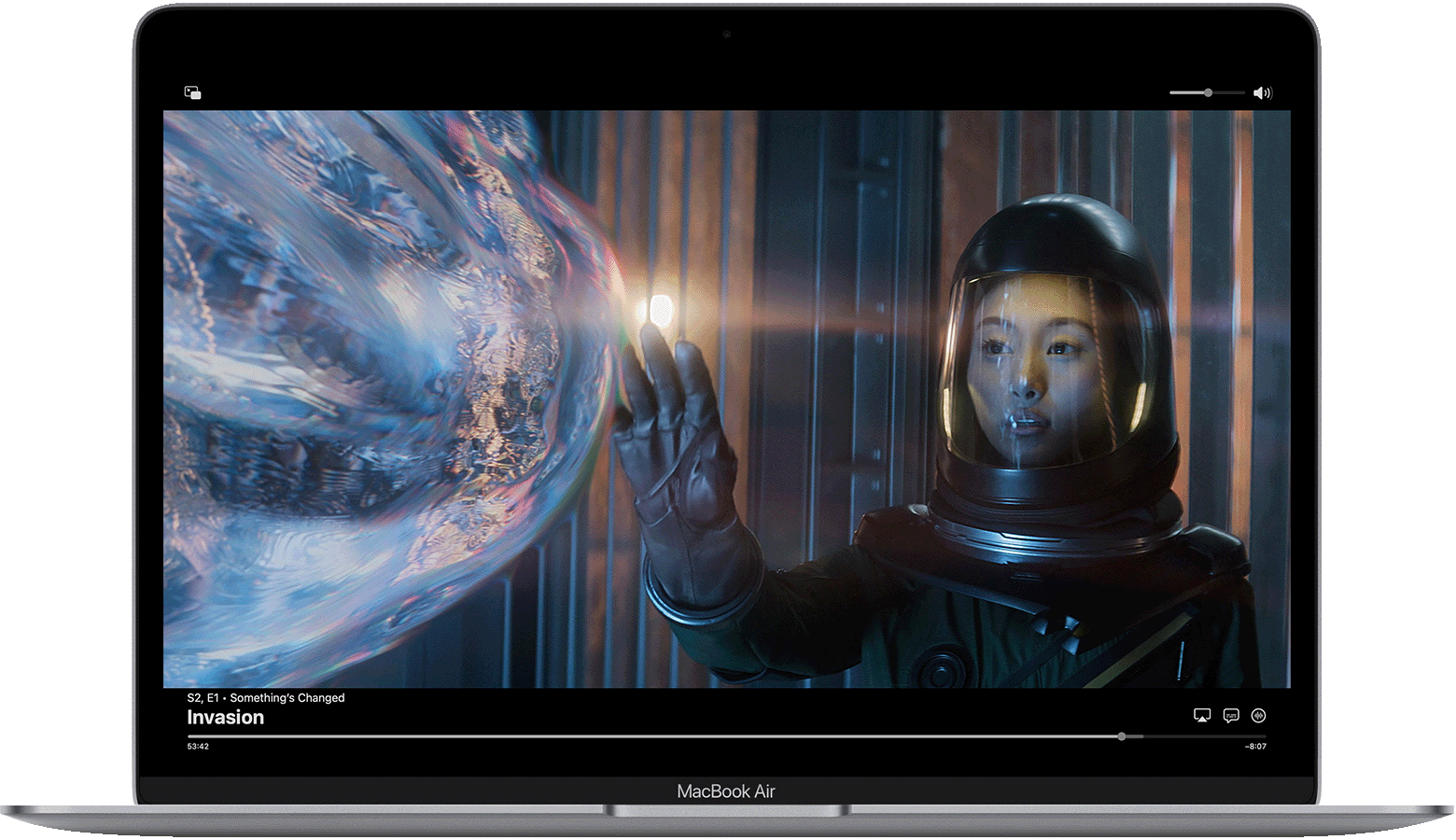
Move your pointer over the video.
Click the Languages button
.
Choose the language or subtitles that you want to use.
Learn how to turn on CC or SDH by default
Audio languages on Mac, PC, or the web
Move your pointer over the video.
Click the Audio button
.Choose the audio language that you want.
If you don't see subtitles or language options
If you don't see subtitles or language options, they might not be available for that show or movie. Check the show or movie descriptions page in the Apple TV app to find out what subtitles or languages are available.
Turn on CC or SDH by default
If you don't see an option for SDH, you can turn on CC or SDH by default. You can also look in the Apple TV app to see whether movies and TV shows have accessibility features.
On iPhone, iPad, iPod touch, Apple TV, smart TV, or streaming device
Go to Settings and choose Accessibility.
Under Hearing, choose Subtitles and Captioning.
Choose "Closed Captions + SDH" to turn it on.
To customize captions and subtitles, choose Style, then select an option.
On Mac
Choose Apple menu > System Settings (or System Preferences), then click Accessibility.
Click Captions.
Select "Prefer closed captions and SDH" to turn it on.
To customize captions and subtitles, choose from the options on this screen.
Movies and TV shows aren't available in all countries and regions. See what’s available in your country or region. Languages and accessibility features supported by a movie or TV show vary by country and region.


