Access and manage courses online with iTunes U
Learn how to access iTunes U, a tool for instructors who want to create courses and manage lessons and assignments on the web.
Before you begin, review these requirements:
Valid Apple ID (Learn more about Apple ID)
Safari 7 or later on a Mac
Mozilla Firefox 29 or later on a Mac or PC
Google Chrome 34 or later on a Mac or PC
Follow these steps to access iTunes U:
Using your web browser, go to the iTunes U portal.
Sign in using your Apple ID and password. If you don't have an Apple ID, you can create one by clicking "Create yours now" on the login page.
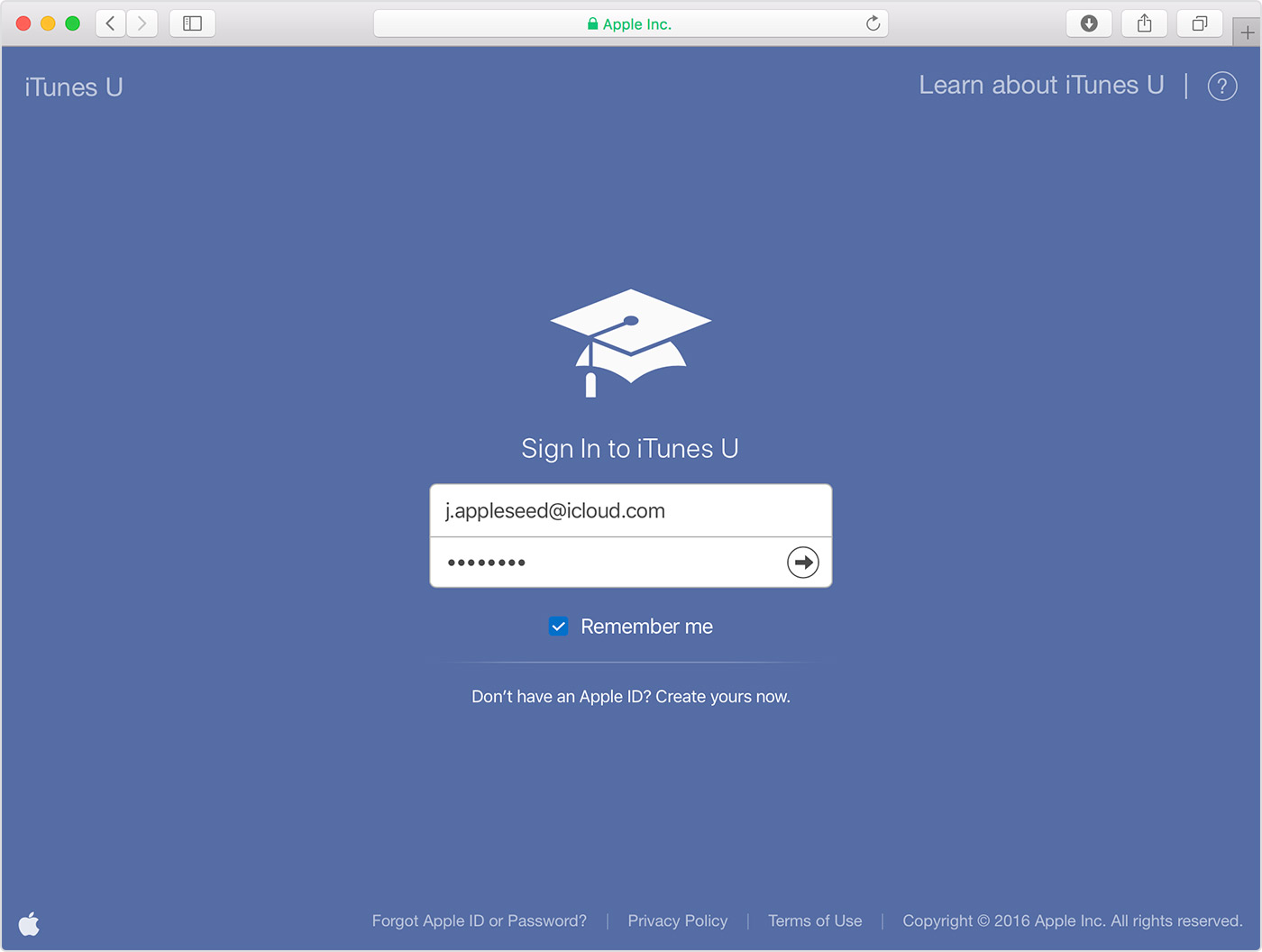
After you sign in, you can start creating courses.
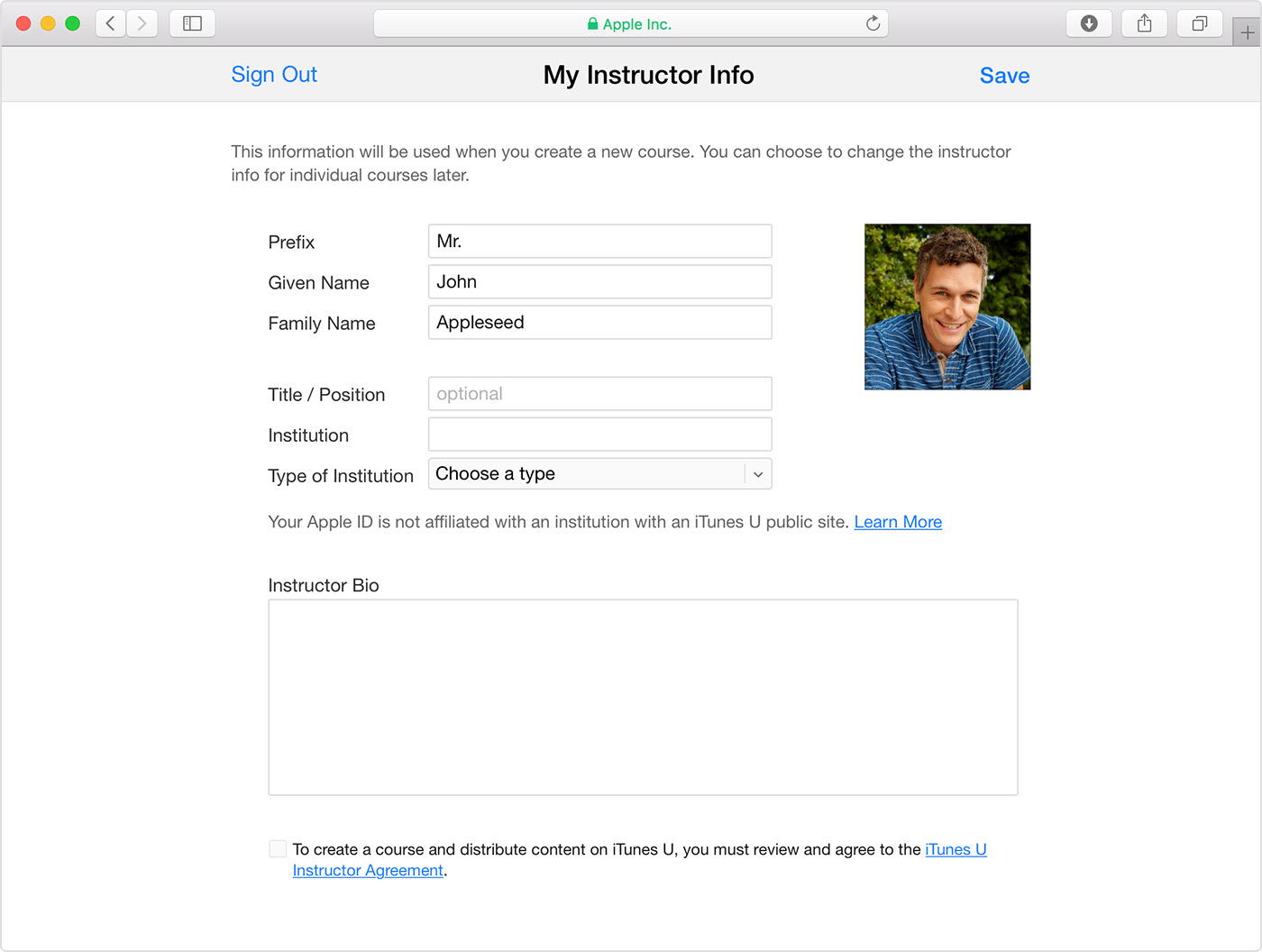
While creating, designing, and editing your course, you can use the Enroll Code, under the Settings button on the dashboard, to copy a course link into an email, send the email to your iPad, iPhone, or iPod touch, and preview and test your course from a student's perspective before sharing the course with others. When you're ready to share your course, use the Enroll Code to share a link to your course with students and other users.
Information about products not manufactured by Apple, or independent websites not controlled or tested by Apple, is provided without recommendation or endorsement. Apple assumes no responsibility with regard to the selection, performance, or use of third-party websites or products. Apple makes no representations regarding third-party website accuracy or reliability. Contact the vendor for additional information.

