Use your Apple Remote with your Apple TV
With your Apple Remote (aluminum), you can navigate your Apple TV, play content, skip forward or back, and more.
Learn how to use the Apple Remote (aluminum) that came with your Apple TV (2nd or 3rd generation). If you have an Apple TV (4th generation), learn how to use your Siri Remote or Apple TV Remote.*
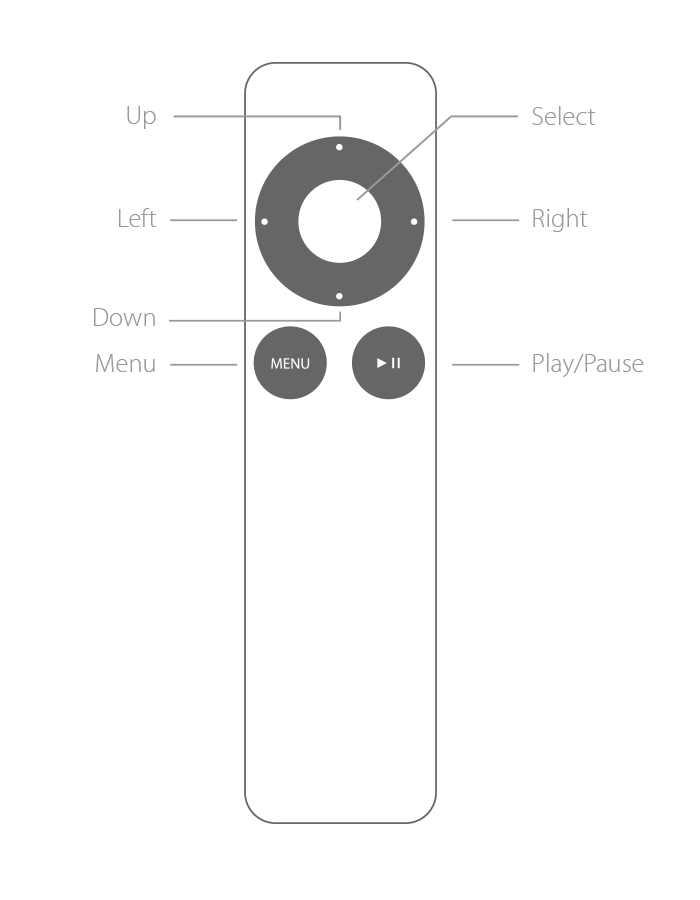
Go to a menu
Move between menus: Press Up, Down, Left, or Right.
Select a menu option: Press Select.
Return to a previous menu: Press Menu.
Return to the Home screen: Hold down Menu for three seconds.
Play audio or video
To play or pause a video, song, podcast, and more, press Play/Pause.
Move forward
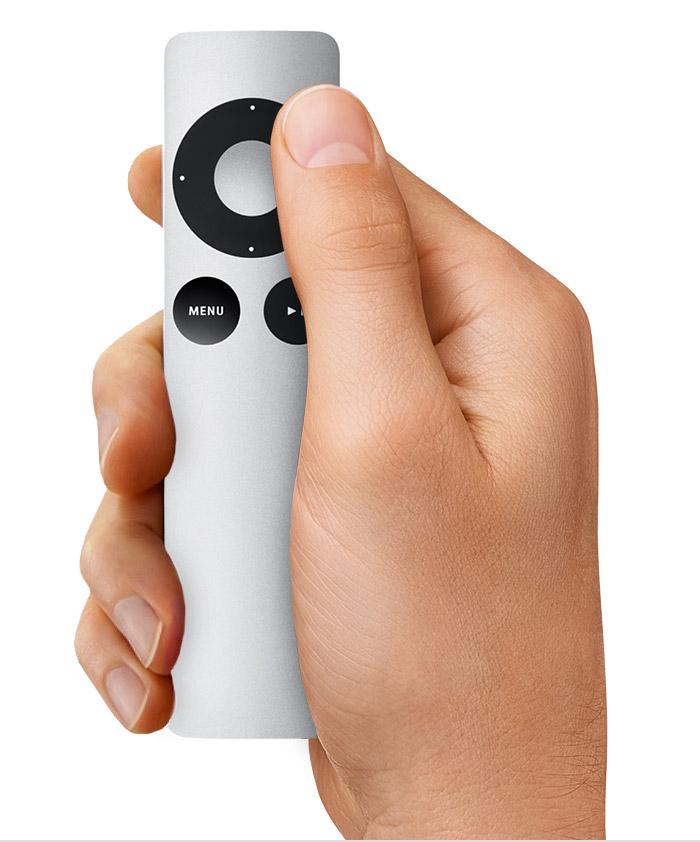
Video: To fast-forward, press Right. Press again to go faster. To go forward 30 seconds, hold down Right.
Audio: To fast-forward, hold down Right. To skip to the next song, press Right.
Move back
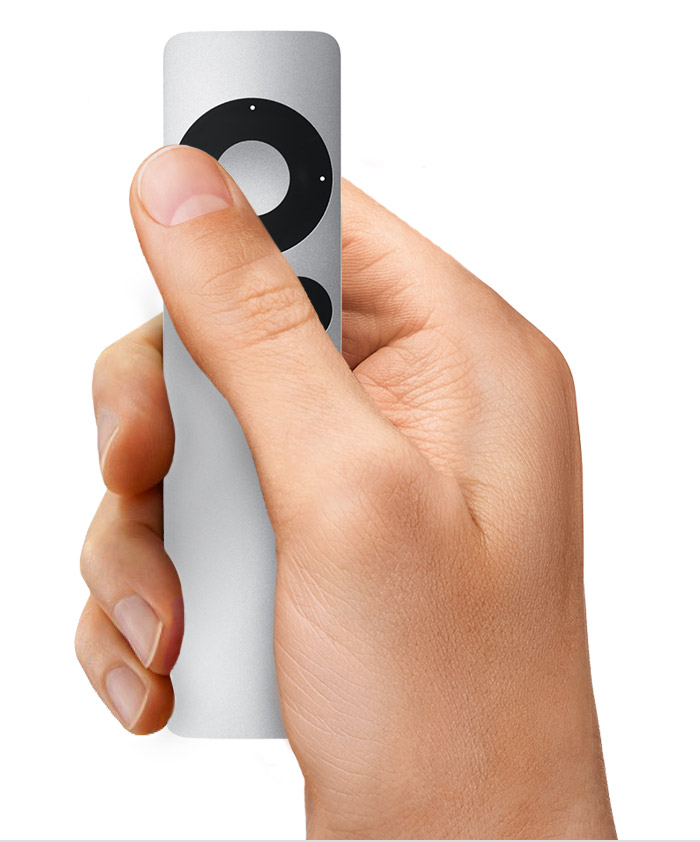
Video: To rewind, press Left. Press again to go faster. To go back 10 seconds, hold down Left.
Audio: To rewind, hold down Left. To restart the current song, press Left. To play the previous song again, press Left twice.
Skip video by chapter or skip in slow motion
To skip chapters, press Down, then press Right or Left. If there are no chapters, this skips 1/20th of the video or 30 seconds, whichever is longer.
You can also move in slow motion. Press Play/Pause to pause the video, then press Right or Left.
Restart your Apple TV or put it to sleep
Restart your Apple TV: Hold down Menu and Down for six seconds.
Put your Apple TV to sleep: Go to the main menu and hold down Play/Pause for five seconds.
See more settings
To see subtitles, closed captioning, audio, and speaker settings, hold down Select for three seconds.
Depending on what's playing, you might see settings for Genius, Up Next, and browse artist or album.
Learn more
Move or hide icons on the Home screen.
Open the onscreen keyboard, switch keyboards, and see accented letters.
*Apple TV 4K and Apple TV (4th generation) ships with the same remote everywhere. In countries and regions that support Siri, the remote is called Siri Remote. Elsewhere, it’s called Apple TV Remote. Siri works on either remote as long as your Apple TV 4K or Apple TV (4th generation) is set up with a language and country or region that supports Siri.