GarageBand: Editing with the flex and crop pointers
When editing real instrument regions in the editor, you can use either the crop pointer or the flex pointer.
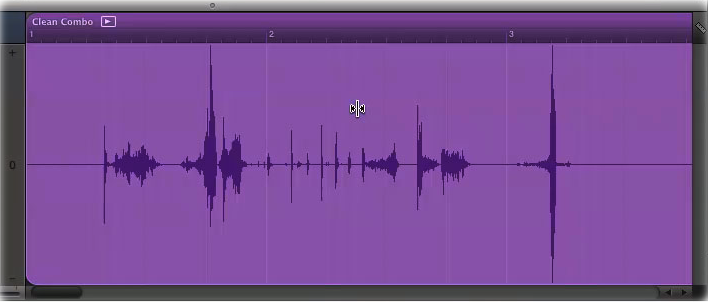
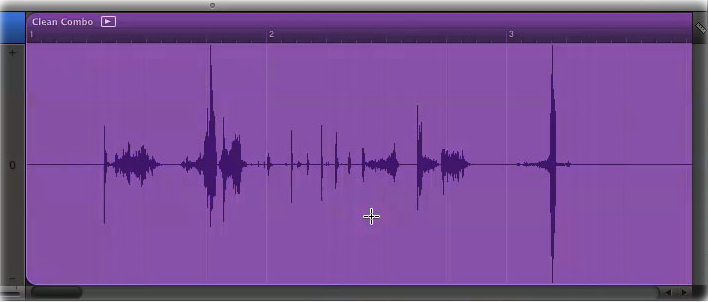
When you move the pointer over the upper half of a region, the pointer becomes a Flex pointer that you can use to edit the timing of the region. When you move the pointer over the lower half of a region, the pointer becomes a crop pointer that you can use to crop or trim the region.
Flex pointer
Crop Pointer
Published Date:

