Use Apple USB-A camera adapters with USB-A devices
Learn how to use Apple USB-A Camera Adapters with USB-A devices.
Use USB-A Adapters to connect your devices
You can use Apple USB-A Camera Adapters to import photos from your digital camera or connect other USB-A devices to your iPhone, iPad, or iPod touch.
You can use these devices with Apple USB-A Camera Adapters:
Audio/MIDI interfaces and devices
Hubs
Ethernet adapters
SD card readers
Bar code scanners
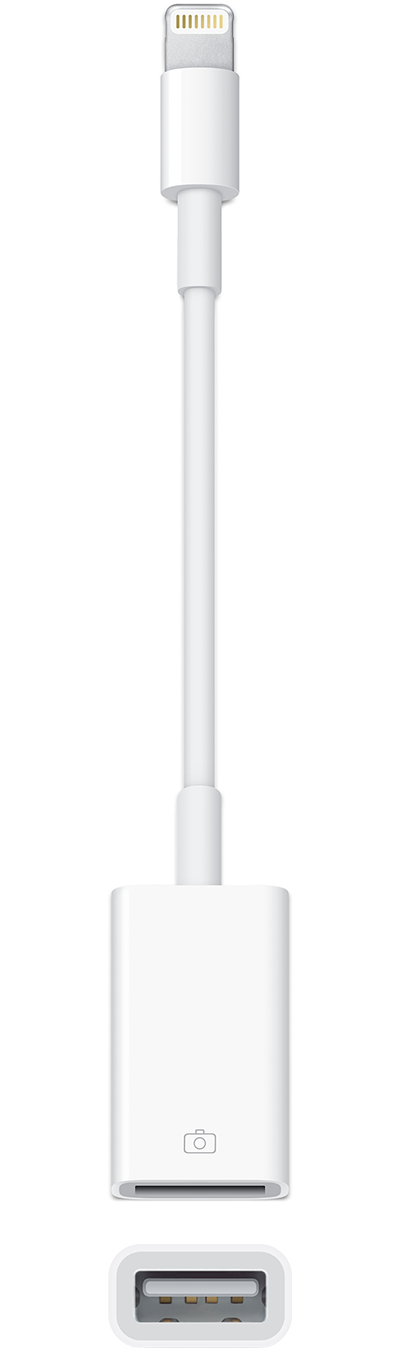
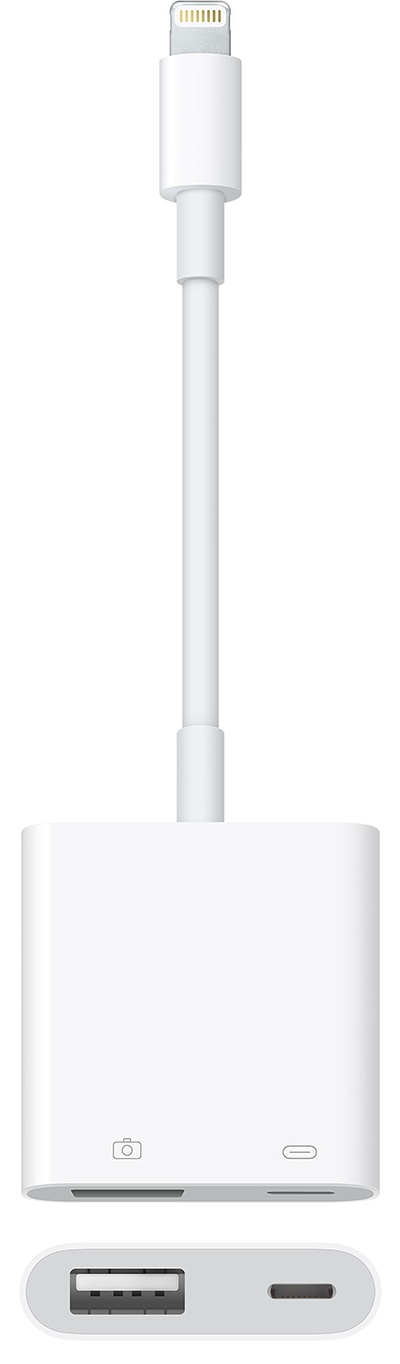
Use USB 3 Adapter for more power
Some devices need more power than your iPhone, iPad, or iPod touch can provide. If you connect one of these devices, you might see an alert that says “attached accessory uses too much power." Try one of these steps:
Connect the device to a powered USB-A hub or secondary power source.
Use a Lightning to USB 3 Camera Adapter, which has a built-in Lightning port. Use the Lightning port to connect the adapter to the USB power adapter that came with your device. This provides power to your iOS device and your connected device.
Supported ethernet adapters
These are some of the USB-A ethernet adapters that you can use with Apple USB 3 Camera Adapter:
Apple USB Ethernet Adapter
Buffalo LUA-U2-GT
Linksys USB200M
Linksys USB1000
IO-Data ETG-US2
Belkin F5D5055
To use the Apple USB 3 Camera Adapter, you need an iPhone, iPad, or iPod touch with iOS 9.3 or later.
Get help
If you can't connect a supported device, try these steps:
Disconnect the Apple USB Camera Adapter from your iOS device.
Disconnect any devices connected to the Apple USB Camera Adapter.
Restart your iOS device.
Plug in the Apple USB Camera Adapter and try to connect the USB device again.
Information about products not manufactured by Apple, or independent websites not controlled or tested by Apple, is provided without recommendation or endorsement. Apple assumes no responsibility with regard to the selection, performance, or use of third-party websites or products. Apple makes no representations regarding third-party website accuracy or reliability. Contact the vendor for additional information.