How to force restart your iPod shuffle
If your iPod shuffle doesn't respond when you press the buttons, you can force restart your device.
Force restart your iPod shuffle
Unplug your iPod shuffle from its charger and from your computer.
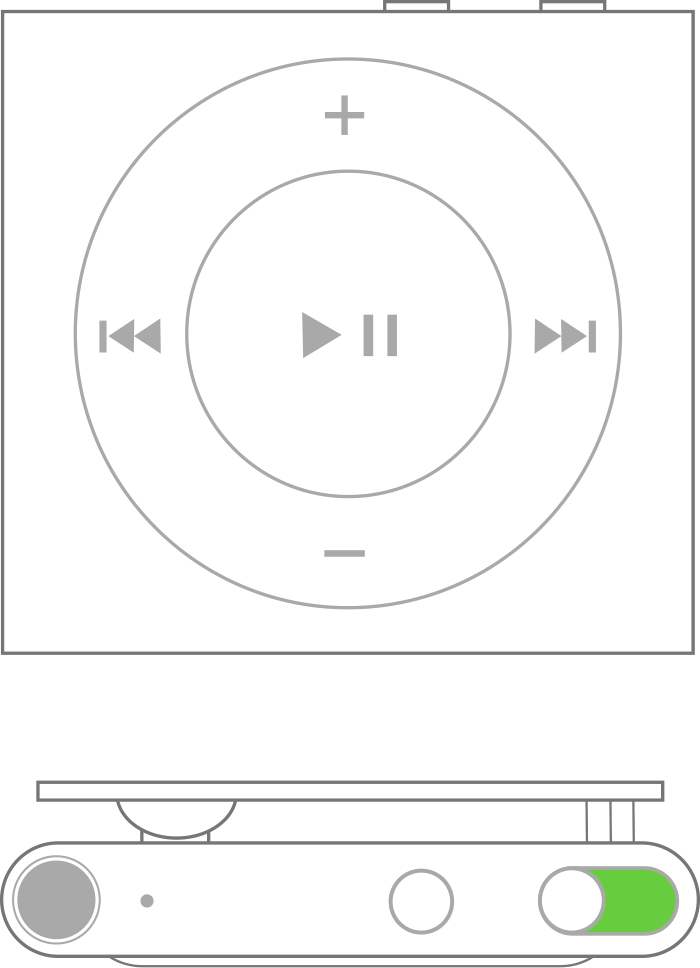
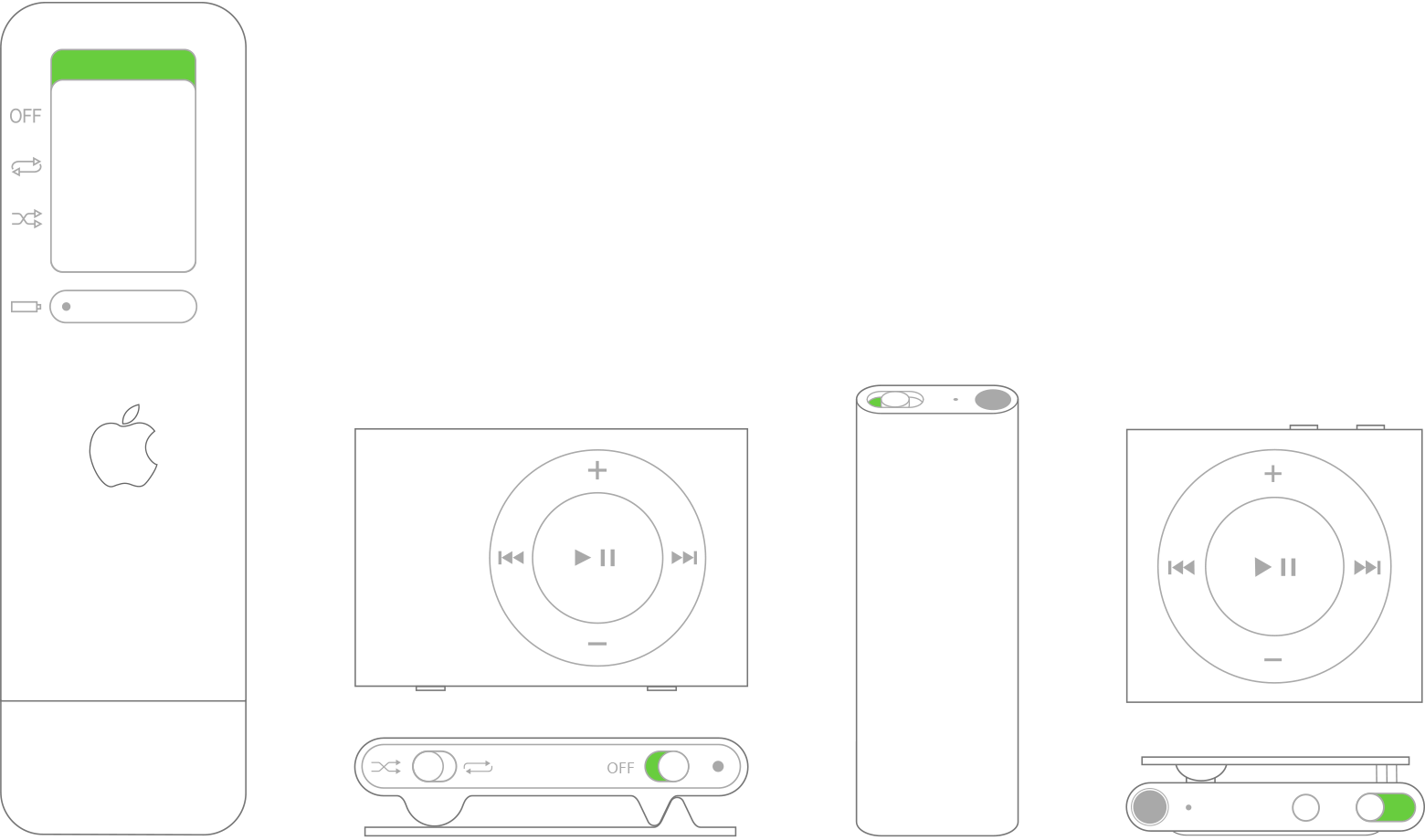
Use the power switch to turn off your iPod shuffle. If you see green by the switch, your device is on. (Can't find the power switch?)
Wait for ten seconds. Then turn on your iPod shuffle again.
Learn how to charge your iPod shuffle.
Find the power switch on your model
Learn more
Learn how to erase your iPod and restore it to factory settings.
Learn about force restart options for other models of iPod.
Published Date: