Identify your MacBook model
Use this information to find out which MacBook you have, and where it fits in the history of MacBook.
Find the name of your Mac model
The easiest way to find the name of your Mac model is to choose About This Mac from the Apple menu in the corner of your screen. Learn more about how to find your Mac model name or serial number, even when you don’t have your Mac or it doesn’t start up all the way.
This article lists MacBook models only. You can find similar information for MacBook Pro and MacBook Air.
2017
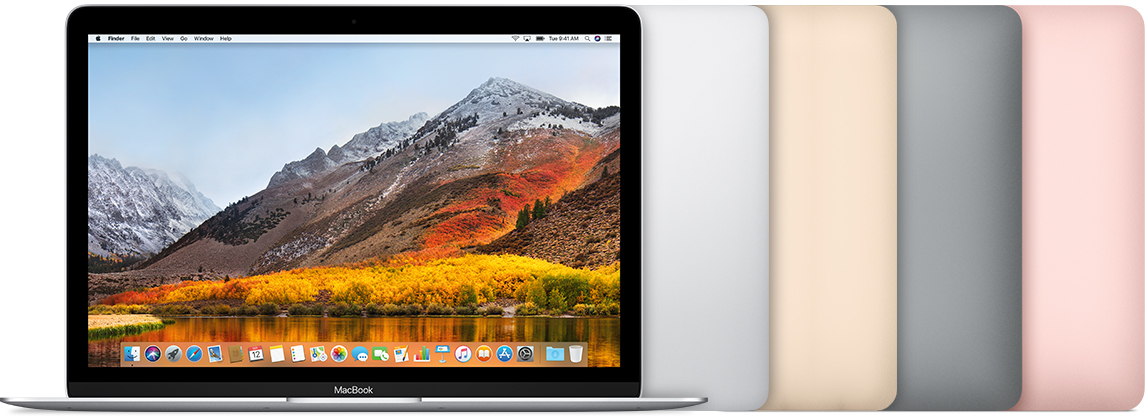
MacBook (Retina, 12-inch, 2017)
Colors: Rose gold, space gray, gold, silver
Model Identifier: MacBook10,1
Part Numbers: MNYF2XX/A, MNYG2XX/A, MNYH2XX/A, MNYJ2XX/A, MNYK2XX/A, MNYL2XX/A, MNYM2XX/A, MNYN2XX/A
Tech Specs: MacBook (Retina, 12-inch, 2017)
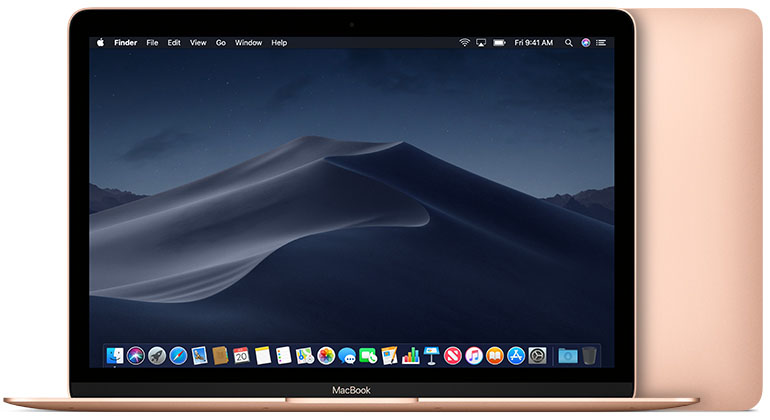
Beginning in 2018, this MacBook model is available in space gray, silver, and the gold color shown here.
2016
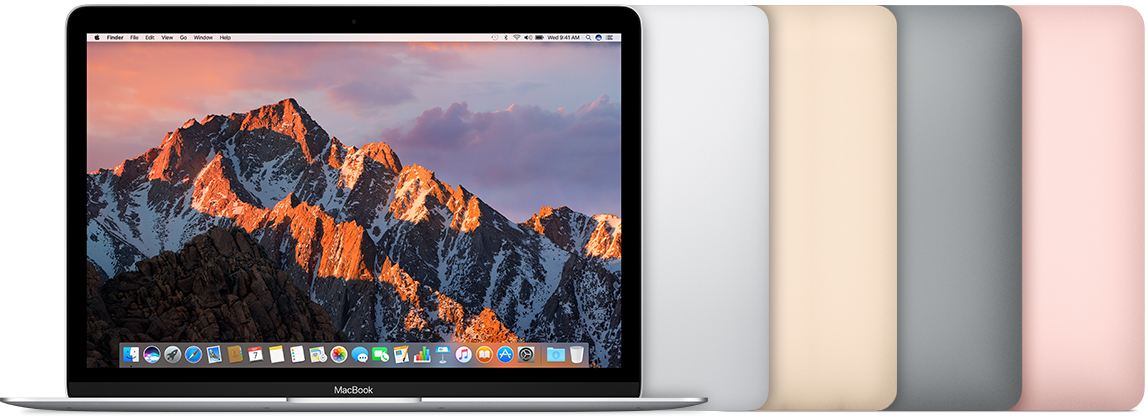
MacBook (Retina, 12-inch, Early 2016)
Colors: Rose gold, space gray, gold, silver
Model Identifier: MacBook9,1
Newest compatible operating system: macOS Monterey
Part Numbers: MLH72xx/A, MLH82xx/A, MLHA2xx/A, MLHC2xx/A, MLHE2xx/A, MLHF2xx/A, MMGL2xx/A, MMGM2xx/A
Tech Specs: MacBook (Retina, 12-inch, Early 2016)
2015

MacBook (Retina, 12-inch, Early 2015)
Colors: Space gray, gold, silver
Model Identifier: MacBook8,1
Part Numbers: MF855xx/A, MF865xx/A, MJY32xx/A, MJY42xx/A, MK4M2xx/A, MK4N2xx/A
Newest compatible operating system: macOS Big Sur
Tech Specs: MacBook (Retina, 12-inch, Early 2015)
2010
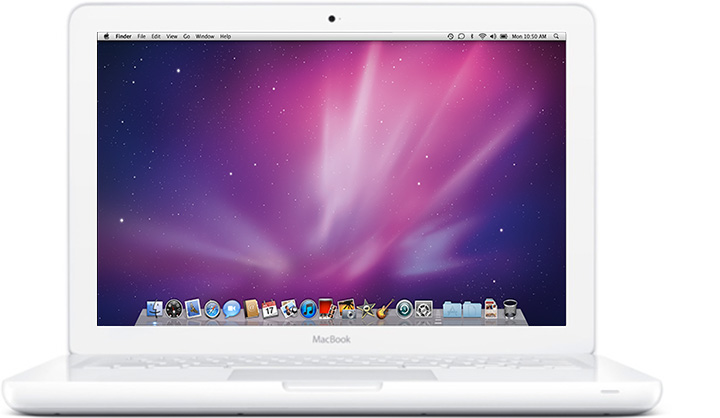
MacBook (13-inch, Mid 2010)
Model Identifier: MacBook7,1
Part Numbers: MC516xx/A
Newest compatible operating system: macOS High Sierra 10.13.6
Tech Specs: MacBook (13-inch, Mid 2010)
2009
MacBook (13-inch, Late 2009)
Model Identifier: MacBook6,1
Part Numbers: MC207xx/A
Newest compatible operating system: macOS High Sierra 10.13.6
Tech Specs: MacBook (13-inch, Late 2009)

MacBook (13-inch, Mid 2009)
Model Identifier: MacBook5,2
Part Numbers: MC240xx/A
Newest compatible operating system: OS X El Capitan 10.11.6
Tech Specs: MacBook (13-inch, Mid 2009)
MacBook (13-inch, Early 2009)
Model Identifier: MacBook5,2
Part Numbers: MB881xx/A
Newest compatible operating system: OS X El Capitan 10.11.6
Tech Specs: MacBook (13-inch, Early 2009)
