How to replace the battery in your Apple Remote
Follow these steps to remove and replace the battery in your Apple Remote (aluminum or white).
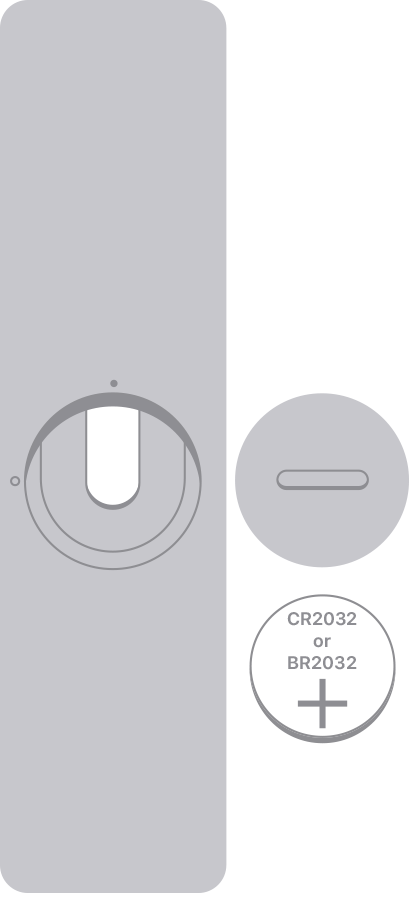
If you have an Apple Remote (aluminum)
Find the battery component on the back of your Apple Remote.
Use a coin to turn the battery door counterclockwise until the door opens.
Remove the old battery.
With the positive side facing up toward you, put in the new CR2032 or BR2032 lithium 3V coin battery (available at most electronic and drug stores).
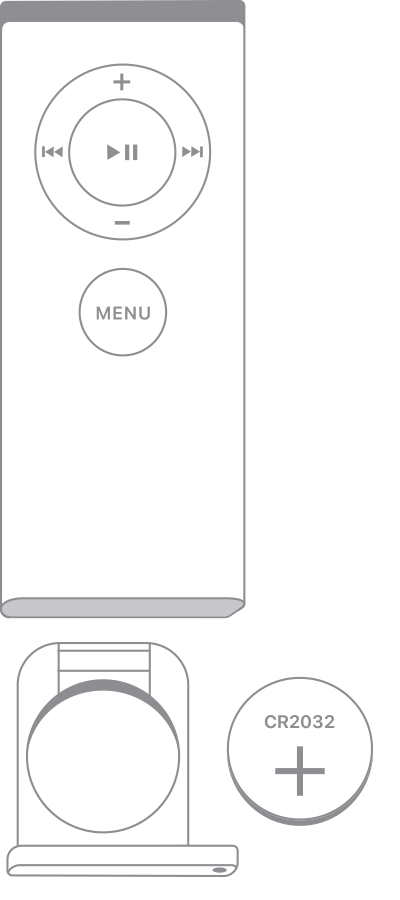
If you have an Apple Remote (white)
Find the battery compartment on the bottom of the Apple Remote.
With a paper clip or similar object, press the circular release button on the compartment and slide the battery tray out.
Remove the old battery.
With the positive side facing up toward you, put in the new CR2032 battery (available at most electronic and drug stores).
Slide the battery tray back into the Apple Remote until it clicks.
If you have a Siri Remote or Apple TV Remote
Your Siri Remote or Apple TV Remote* has a rechargeable battery, not a replaceable battery.
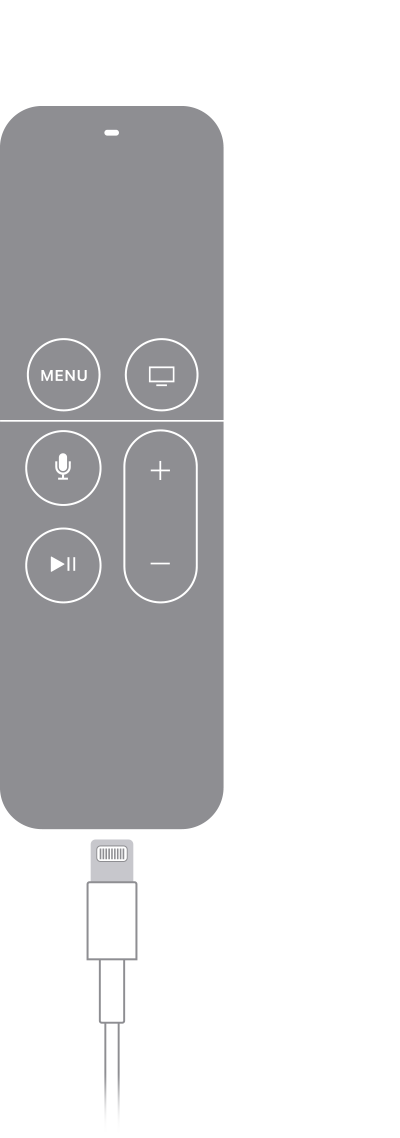
If you have a Siri Remote (1st or 2nd generation) or Apple TV Remote (1st or 2nd generation), plug your remote into a computer or USB power adapter with a Lightning cable to charge it.
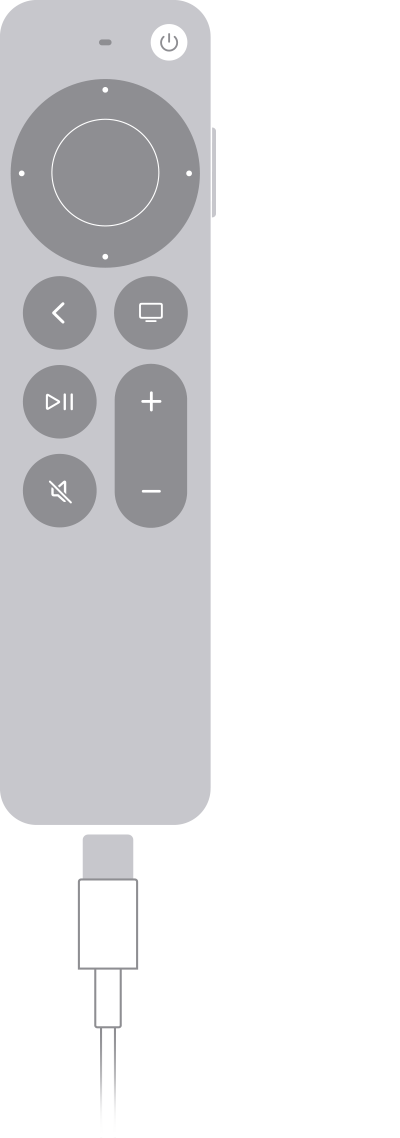
If you have a Siri Remote (3rd generation) or Apple TV Remote (3rd generation), plug your remote into a computer or USB power adapter with a USB-C cable to charge it.
*Apple TV 4K and Apple TV HD ship with the same remote everywhere. In countries and regions that support Siri, the remote is called Siri Remote. Elsewhere, it’s called Apple TV Remote. Siri works on either remote as long as your Apple TV 4K or Apple TV HD is set up with a language and country or region that support Siri.
Information about products not manufactured by Apple, or independent websites not controlled or tested by Apple, is provided without recommendation or endorsement. Apple assumes no responsibility with regard to the selection, performance, or use of third-party websites or products. Apple makes no representations regarding third-party website accuracy or reliability. Contact the vendor for additional information.